An optical transfer
Two screens. One transfer.
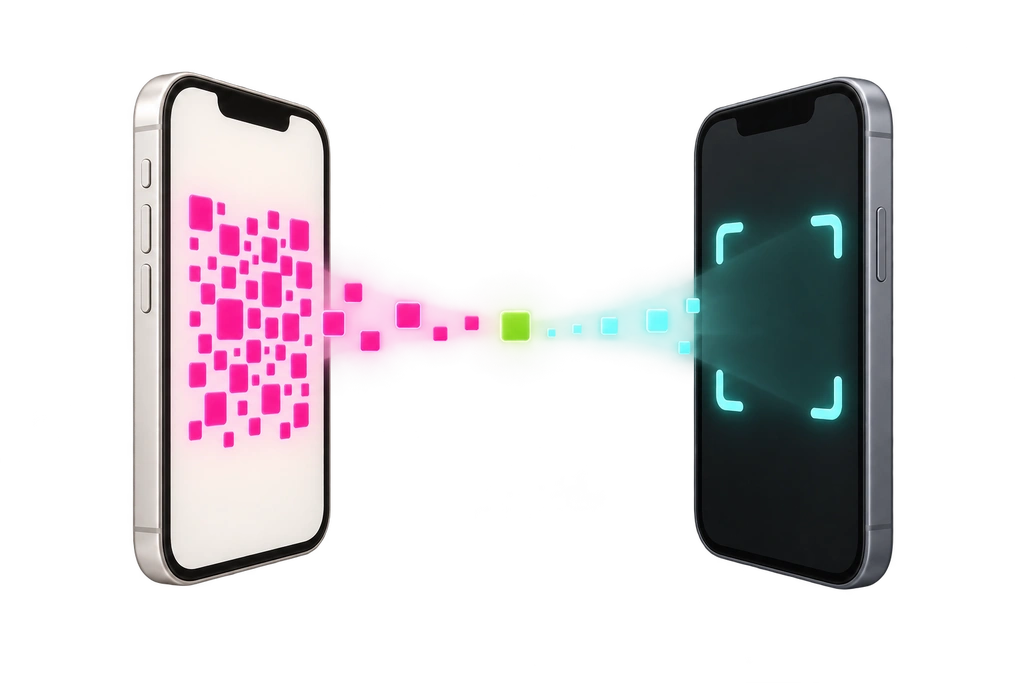
QR Warp moves data optically. One iPhone displays a sequence of QR codes; another reads them with its camera. The transfer needs no Wi-Fi, Bluetooth, account, or cloud service.
QR Warp
How it works
-
01
Choose your data
Select the data on the sending iPhone.
-
02
Show the QR codes
The sending iPhone displays the QR codes in sequence.
-
03
Scan with the camera
The receiving iPhone reads the codes and rebuilds the data on-device.
Questions about QR Warp?
Send us a note. We are happy to help.